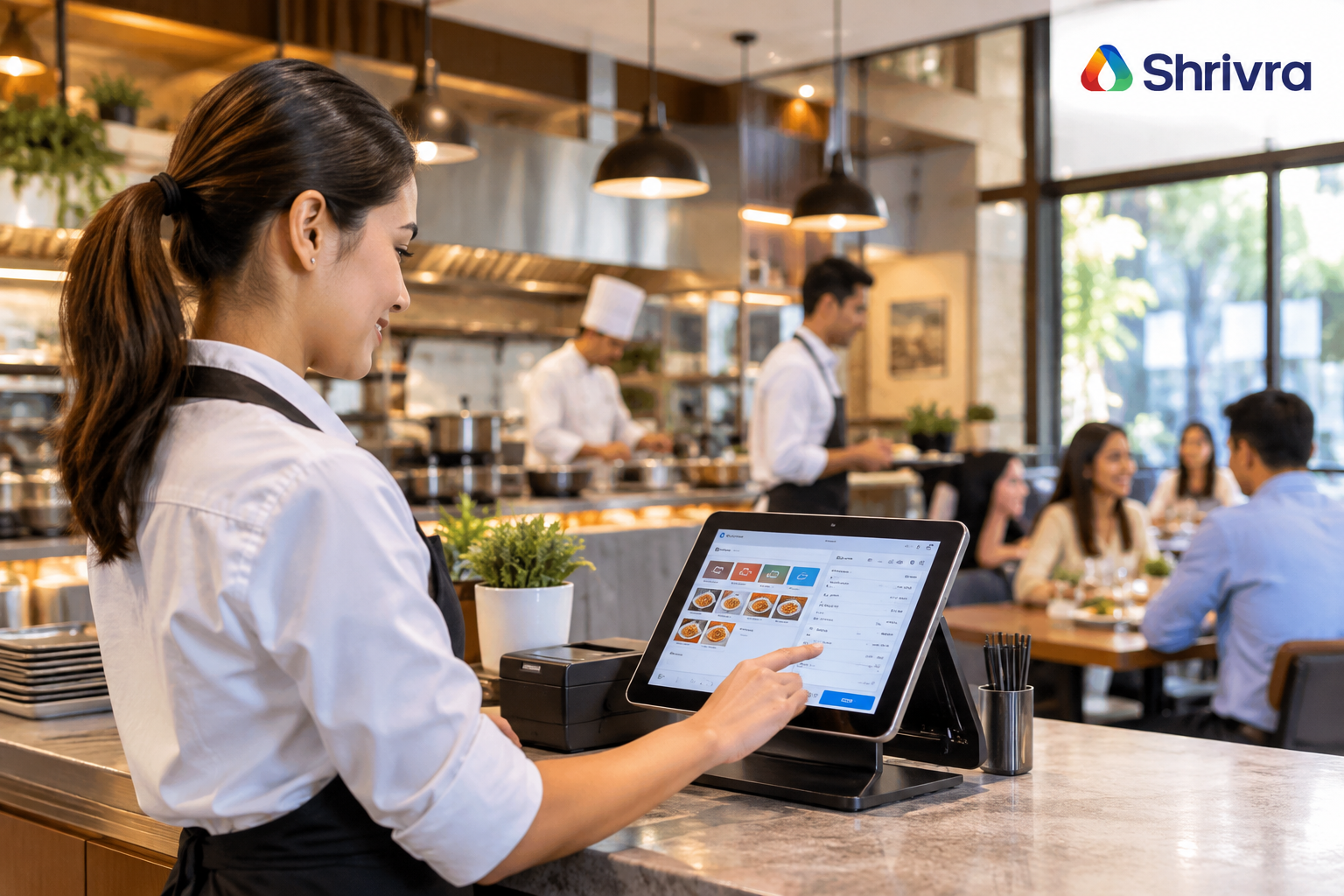
Running a restaurant involves far more than cooking great food. Orders, tables, inventory, billing, and marketing all need coordinated attention every single day.
Restaurant management software brings these tasks into one connected system. Instead of juggling separate tools, restaurant owners manage daily operations from a single platform.
For owners and managers, this matters directly. Fewer disconnected tools mean fewer mistakes and more time spent actually running the restaurant.
Understanding what this software actually covers helps owners make a more informed decision before adopting one.
This guide explains what restaurant management software includes, its core features, and how to choose the right platform.
What Does Restaurant Management Software Do?
Restaurant management software handles the core operational tasks a restaurant deals with daily. This typically includes orders, table management, kitchen coordination, inventory, and billing.
Rather than relying on separate tools for each task, everything connects within one platform. A table booking, for example, can automatically update seating status and customer records at once.
This connected structure reduces manual handoffs between staff, which often cause delays or mistakes during busy service.
Owners gain a clearer view of daily operations without checking several separate tools throughout the day.
How It Compares to a Restaurant Management System
The terms restaurant management software and restaurant management system are often used interchangeably.
Both generally describe the same category of platform. Some providers use "system" to emphasise the broader combination of technology and daily workflow, rather than just the software itself.
In practice, the distinction rarely matters much. What matters more is whether the platform actually covers the operations your restaurant needs to manage.
Focusing on actual coverage, rather than terminology, leads to a more useful comparison between providers.
Core Components of Restaurant Management Software
Most platforms include a similar set of core components, though depth varies between providers. Reviewing each one helps clarify what a full system actually covers.
-
Table and reservation management: Bookings, walk-ins, and seating status stay organised in one view.
-
Kitchen order management: Orders route directly to the kitchen, reducing manual ticket errors.
-
Point of sale (POS): Billing, payments, and receipts get processed through one system.
-
Inventory management: Stock levels update automatically, helping prevent shortages or overstocking.
-
Online ordering: Customers can place orders directly, without phone calls or manual entry.
-
Marketing tools: Automated messages help restaurants stay in touch with customers.
-
Reporting: Sales, inventory, and customer data get compiled into usable reports.
Not every restaurant needs every component immediately. The right combination depends on restaurant type and daily volume.
Reviewing your current daily workflow can help identify which components matter most right now.
What Is Restaurant POS Software?
Restaurant POS software refers specifically to the point of sale component within a broader management system.
This handles billing, payment processing, and receipts at the counter or table. A strong POS system also connects to other functions, such as inventory and reporting.
Many restaurants start with POS software alone before expanding into a fuller management system as their needs grow.
This gradual approach lets a restaurant test core functionality before committing to a larger platform.
How Restaurant Automation Fits Into the Picture
Restaurant automation refers to the repetitive tasks a system handles without manual staff input.
This includes routing orders to the kitchen automatically and sending marketing messages on a schedule. It also covers compiling reports without manual data entry. Self-service kiosks also reduce manual order-taking during busy periods.
Automation does not replace staff entirely. It removes repetitive tasks so staff can focus on service quality instead.
This shift often becomes noticeable during peak hours, when every minute of staff time matters more.
Benefits of Using Restaurant Management Software
Adopting restaurant management software brings several practical benefits. Many of these benefits become more noticeable as order volume increases.
-
Improved efficiency: Connected systems reduce the time staff spend switching between separate tools.
-
Fewer errors: Automated order routing and billing reduce the mistakes common with manual processes.
-
Better customer experience: Faster service and accurate orders lead to a smoother dining experience.
-
Data-driven decisions: Reports on sales and inventory help owners make more informed choices.
-
Easier scaling: Restaurants with multiple locations benefit from consistent systems across each site.
These benefits often compound together, creating a noticeably smoother experience for both staff and customers.
Who Uses Restaurant Management Software?
Restaurant management software supports a wide range of food service businesses, not just large chains. Business size rarely determines whether this software provides real value.
Fine dining restaurants use it to manage reservations and coordinate detailed service. Quick service restaurants rely on it for fast order processing and kitchen coordination.
Cafes, bars, food courts, and takeaway counters also use these systems to manage daily orders and billing. Catering businesses use similar tools to track orders and inventory across events.
Each of these business types adapts the same core system to fit its specific daily workflow.
How to Choose the Right Restaurant Management Software
Selecting the right platform depends on your restaurant's specific type and operational needs.
-
Feature coverage: Confirm the platform handles the specific tasks your restaurant deals with daily.
-
Ease of use: Staff should be able to learn the system quickly, even during busy shifts.
-
Integration: POS, kitchen management, and inventory should work together within one system.
-
Scalability: Choose a platform that can support additional locations or higher order volume later.
-
Support quality: Responsive support matters when issues arise during service hours.
-
Pricing structure: Compare plans carefully to understand what is included at each pricing tier.
How SparkResto Delivers Restaurant Management Software
SparkResto brings the core components of restaurant management software into one connected platform.
Table booking automatically captures customer data with every reservation, whether made online or offline. Kitchen order management sends tickets to the kitchen with a single click, reducing miscommunication during service.
The POS system provides real-time sales reports and supports loyalty programs, coupons, and gift cards. Inventory management keeps stock levels visible, helping prevent shortages during busy periods.
Online ordering allows customers to place orders at any time, while self-service kiosks help speed up service. SparkResto also includes automated marketing messages and a feedback system to support customer engagement.
The platform serves various restaurant types, including fine dining, quick service, bars, and cafes. Mobile apps are also available for managing operations remotely.
This combination allows restaurants to manage most daily tasks without relying on several separate tools.
Final Thoughts
Restaurant management software brings orders, tables, inventory, and billing into one connected system. This reduces the manual coordination that often leads to mistakes during busy service.
Choosing the right platform depends on your restaurant's specific type, size, and daily operational needs.
Taking time to compare features and support quality reduces the risk of switching platforms later.
SparkResto combines these core features into a platform built specifically for restaurant operations. Explore SparkResto to see how it can support your business.