Running a restaurant means coordinating many moving parts at once. Orders, kitchen timing, table seating, inventory, and billing all need to work together smoothly.
When these pieces rely on manual coordination, small mistakes happen easily. A missed order, a double-booked table, or a billing error can disrupt an entire service.
These disruptions often ripple outward, affecting wait times and customer experience across the whole restaurant.
A restaurant management system addresses these problems by bringing daily operations into one connected platform. This reduces the manual coordination that often causes costly mistakes.
This guide looks at common operational challenges restaurants face and how the right system helps solve them.
Common Daily Operational Challenges in Restaurants
Several recurring problems affect restaurant operations, regardless of size or cuisine type. Many of these issues become more visible as customer volume increases.
Miscommunication between front-of-house staff and the kitchen leads to wrong or delayed orders. Table management often becomes chaotic during busy hours, with double bookings or unclear seating status.
Inventory tracked manually frequently runs short unexpectedly, or gets over-ordered without anyone noticing. Billing mistakes slow down checkout, frustrating both staff and customers.
Online orders handled separately from in-house operations often create confusion about timing and availability.
Each of these issues might seem minor alone, but together they add up over a busy service.
How a Restaurant Management System Solves These Problems
A connected system addresses these challenges by linking every part of daily service. Orders, tables, inventory, and billing all update within the same platform.
This reduces the manual handoffs that typically cause errors. Staff work from shared, real-time information instead of separate notes, memory, or paper tickets.
The result is fewer mistakes and a smoother flow from order to payment.
Staff can also spend less time double-checking details, since the system keeps everything visible in one place.
Streamlining Kitchen and Order Communication
Manual order communication between the floor and kitchen invites errors. Handwritten tickets get misread, misplaced, or delayed during busy periods, especially when service moves quickly.
A kitchen order management feature sends orders directly to the kitchen with a single click. This reduces miscommunication and helps ensure orders reach the right station promptly.
Kitchen staff can then track and manage orders more accurately, supporting more consistent delivery times.
This visibility also helps kitchen staff prioritise orders during especially busy periods.
Managing Tables and Reservations More Effectively
Table confusion during peak hours creates a poor experience for both staff and guests. Double bookings and unclear seating status add unnecessary stress to service.
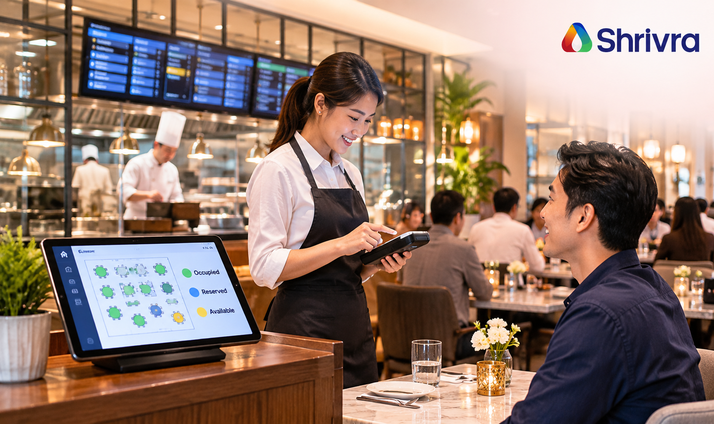
Automated table booking captures customer details with every online or offline reservation. This gives staff a clear, current view of table status throughout service.
Better visibility into seating reduces wait times and helps staff manage the floor more confidently.
Hosts can seat guests faster when table status updates automatically, rather than relying on a physical chart.
Keeping Inventory Under Control
Manual inventory tracking often leads to unpleasant surprises, such as running out of a popular dish mid-service. This can disappoint customers and slow down the kitchen unexpectedly.
Real-time inventory reporting shows current stock levels clearly, reducing the guesswork involved in ordering supplies. This helps prevent both shortages and unnecessary overstocking.
Accurate inventory data also supports better cost control over time, since waste and over-ordering become easier to spot.
This visibility helps managers make purchasing decisions based on actual usage, rather than rough estimates.
Simplifying Billing and Point of Sale
Manual billing slows down checkout and increases the risk of pricing errors, especially during busy hours.
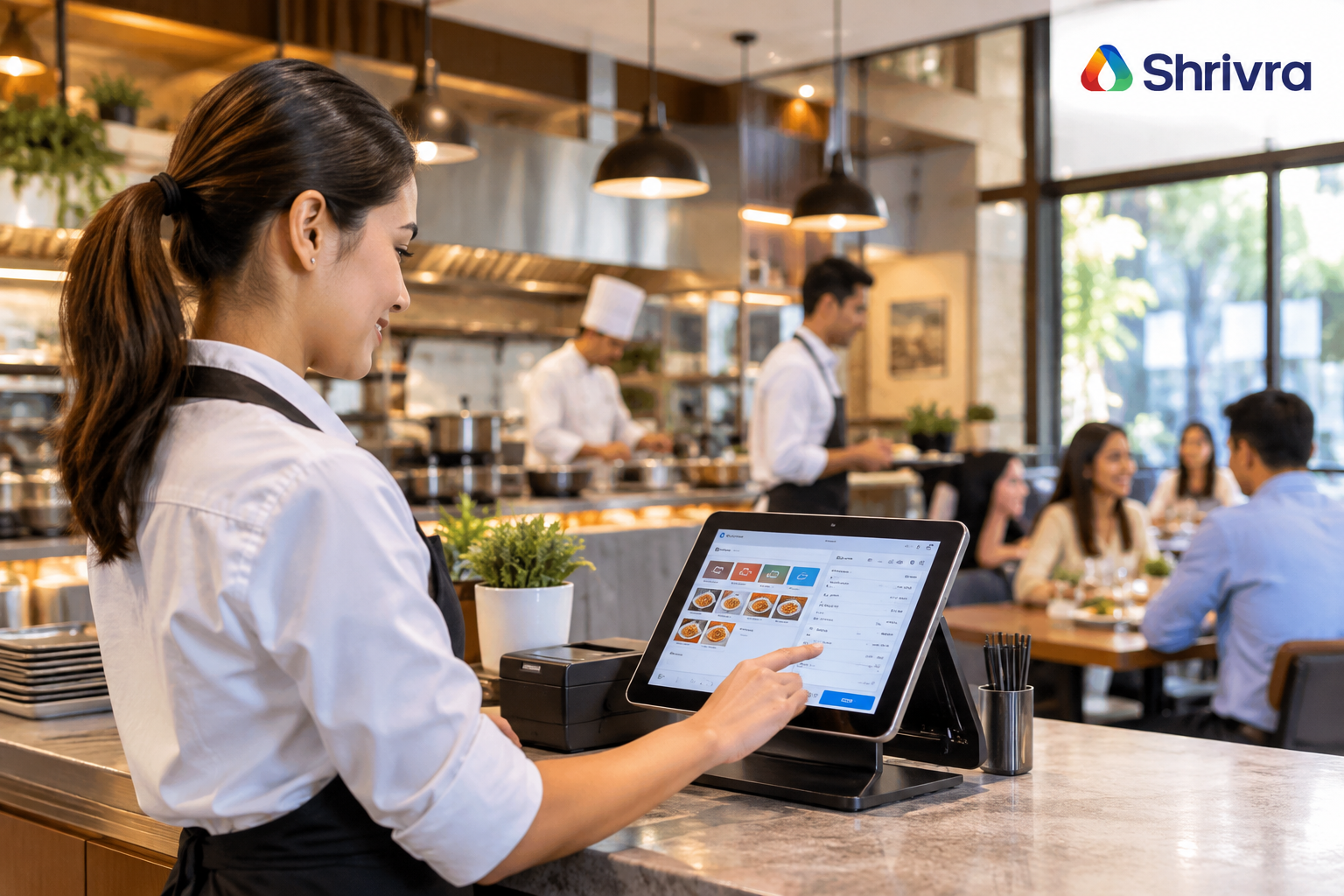
A restaurant POS system generates real-time sales reports and tracks which items are selling well. Real-time monitoring also means billing details update across multiple stations automatically.
This visibility helps prevent mistakes, such as double billing a table or missing an order entirely.
Faster, more accurate checkout also improves the overall experience for customers waiting to pay.
How Restaurant Automation Reduces Manual Work
Restaurant automation reduces the repetitive tasks that otherwise take up significant staff time each day.
Automated marketing messages, sent through SMS or email, keep customers informed without manual outreach. Self-service kiosks speed up ordering and reduce wait times during peak hours.
Automated reporting also removes the need to manually compile sales or inventory data at the end of each shift.
Reducing this manual workload gives managers more time to focus on service quality rather than paperwork.
Improving the Online Ordering Experience
Many customers now expect to order food online, at any time of day.
A connected online ordering feature lets customers check availability and place orders directly, without phone calls or manual entry. Orders flow straight into the same system used for in-house service.
This reduces confusion around timing and keeps online and in-house orders organised together, rather than managed separately.
Consistent order tracking also reduces the chance of an online order being missed during a busy rush.
What to Look for in Restaurant Business Software
Choosing the right restaurant business software depends on your restaurant's specific type and daily workflow.
-
Ease of use: Staff should be able to learn the system quickly, even during busy shifts.
-
Integration: POS, kitchen management, and inventory should work together within one platform.
-
Reporting depth: Look for reports covering sales, inventory, and customer trends.
-
Mobile access: Managers often need to check performance while away from the restaurant.
-
Industry fit: Some platforms are built specifically for certain restaurant types, such as quick service or fine dining.
-
Support quality: Responsive support matters when issues arise during a busy service.
How SparkResto Supports Daily Restaurant Operations
SparkResto is restaurant management software built to support daily operations across different types of food service businesses.
Table booking automatically captures customer data with every reservation, whether made online or offline. Kitchen order management sends tickets to the kitchen with a single click, reducing miscommunication.
The POS system provides real-time sales reports and supports loyalty programs, coupons, and gift cards. Real-time monitoring updates billing details across multiple stations automatically, helping avoid mistakes during busy service.
Online ordering allows customers to place orders at any time, while self-service kiosks help speed up service during peak hours. SparkResto also includes automated marketing messages and a feedback system to support customer engagement.
The platform serves various restaurant types, including fine dining, quick service, bars, cafes, and takeaway counters. Mobile apps are available for managing operations on the go.
This combination of features supports both day-to-day service and longer-term visibility into how the business is performing.
Final Thoughts
Daily restaurant operations depend on coordination between kitchen, floor, and billing. Manual processes leave too much room for the kind of mistakes that frustrate staff and customers alike.
A restaurant management system reduces this friction by connecting orders, tables, inventory, and billing within one platform.
Fewer manual handoffs mean fewer chances for small mistakes to disrupt an otherwise smooth service.
SparkResto brings these features together in a system built specifically for restaurant operations. Try SparkResto to see how it can support your daily service.